Transcription and translation for Android
Speech to text that never leaves your phone.
Scribr transcribes and translates audio on the device. Record a lecture, an interview or a meeting, or import a voice message, and get searchable text without sending your recording to a cloud service.
What Scribr does
On-device transcription
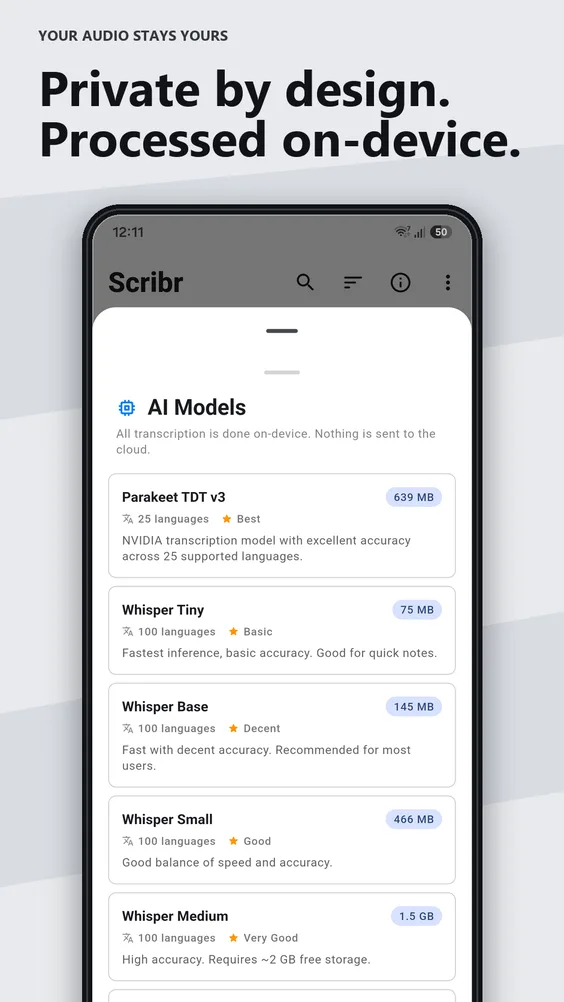
Your audio is processed on your phone. Choose a speech model that fits your device, storage and languages, and let Scribr detect the spoken language or pick it yourself.
Works offline
After you download the speech and translation models, transcription and translation work without an internet connection and without an account.
Transcript and translation together
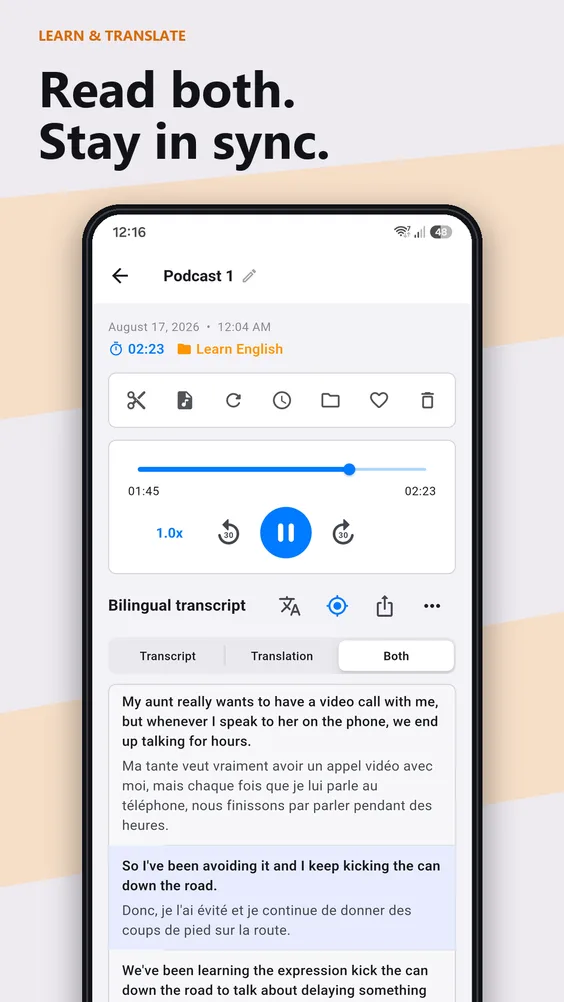
Read the original and the translation in one view. The current sentence is highlighted as the audio plays, and you can follow along automatically or scroll freely.
Record or import
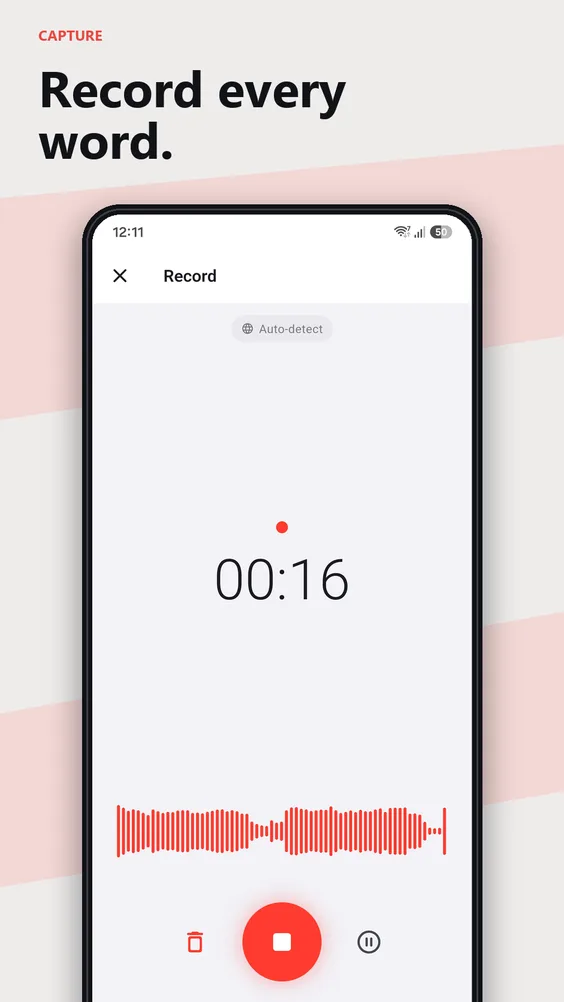
Record directly in Scribr, or import audio and video files from Files, WhatsApp, Telegram and other apps. A home-screen widget and app shortcut start a recording faster.
Export in seven formats
Export a transcript, a translation or both as TXT, Markdown, SRT subtitles, PDF, JSON, CSV or HTML, with timestamps if you want them. Bilingual SRT files carry both languages.
An organised library
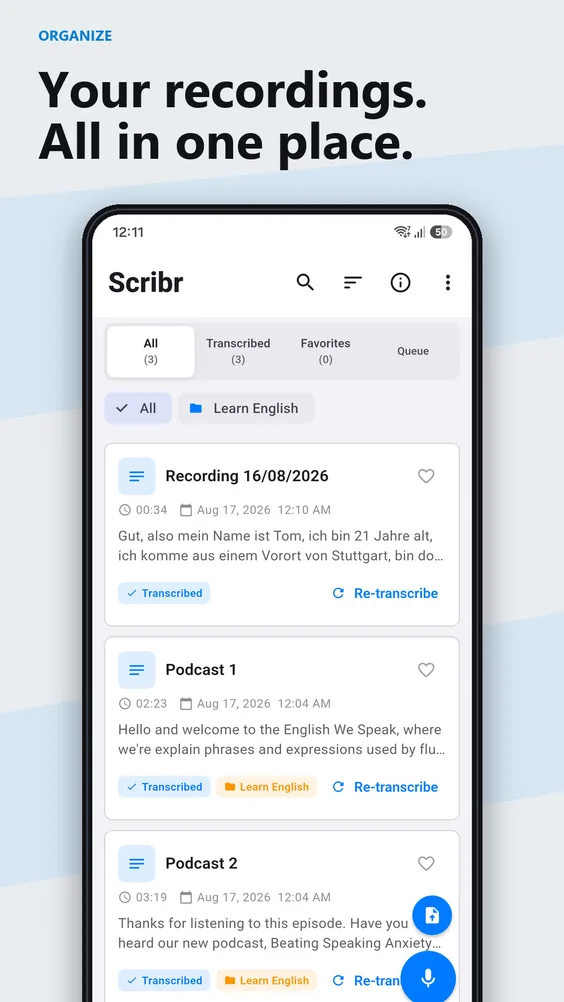
Keep recordings in folders, mark favourites, filter the list and search the text of your transcripts.
Backup and encryption
Create portable backups and restore them on another phone. Optional password encryption protects recordings, transcripts and backups, and a biometric lock can guard the app.
Runs in the background
Keep using your phone while models download and transcriptions run. Playback controls are available from notifications and the lock screen.
Questions about Scribr
Does Scribr need an internet connection?
Only to download the speech and translation models. After that, recording, transcription and translation all work offline.
Are my recordings uploaded anywhere?
No. Scribr processes audio on your phone and does not send recordings to a cloud transcription service.
Can Scribr make subtitles?
Yes. Scribr exports SRT subtitle files with timings, including bilingual SRT files that contain both the original text and the translation.
Is Scribr free?
Yes. Scribr is free to use and shows ads. A one-time purchase removes them. No subscription is needed.
Which devices does Scribr support?
Scribr is available on Google Play for phones running Android 9 or later.
Get Scribr
Free to download. Read the Scribr privacy policy, or write to [email protected] with questions.